Just a little background:
In hopes of improving access to breakfast for students in the elementary, reduce costs, and improve program efficiency, the breakfast program shifted from a traditional cafeteria based program to a classroom-based program during the 2009-2010 school year. The well-established program of the past provided a chance for students to eat breakfast for under $2.00, but participation was typically limited to 10-15% of the school population. With the combination of reducing the price per meal to $0.50 and serving meals in the classroom setting, the goals of the transition were met. Whether as a result of eating breakfast in the more-comfortable classroom setting with classmates or a simple price reduction, participation rates have increased to nearly 60% of the student body. Not only do students have access to a proper and inexpensive breakfast, the combination of increased efficiency and participation made the program financially self-sufficient.
 |
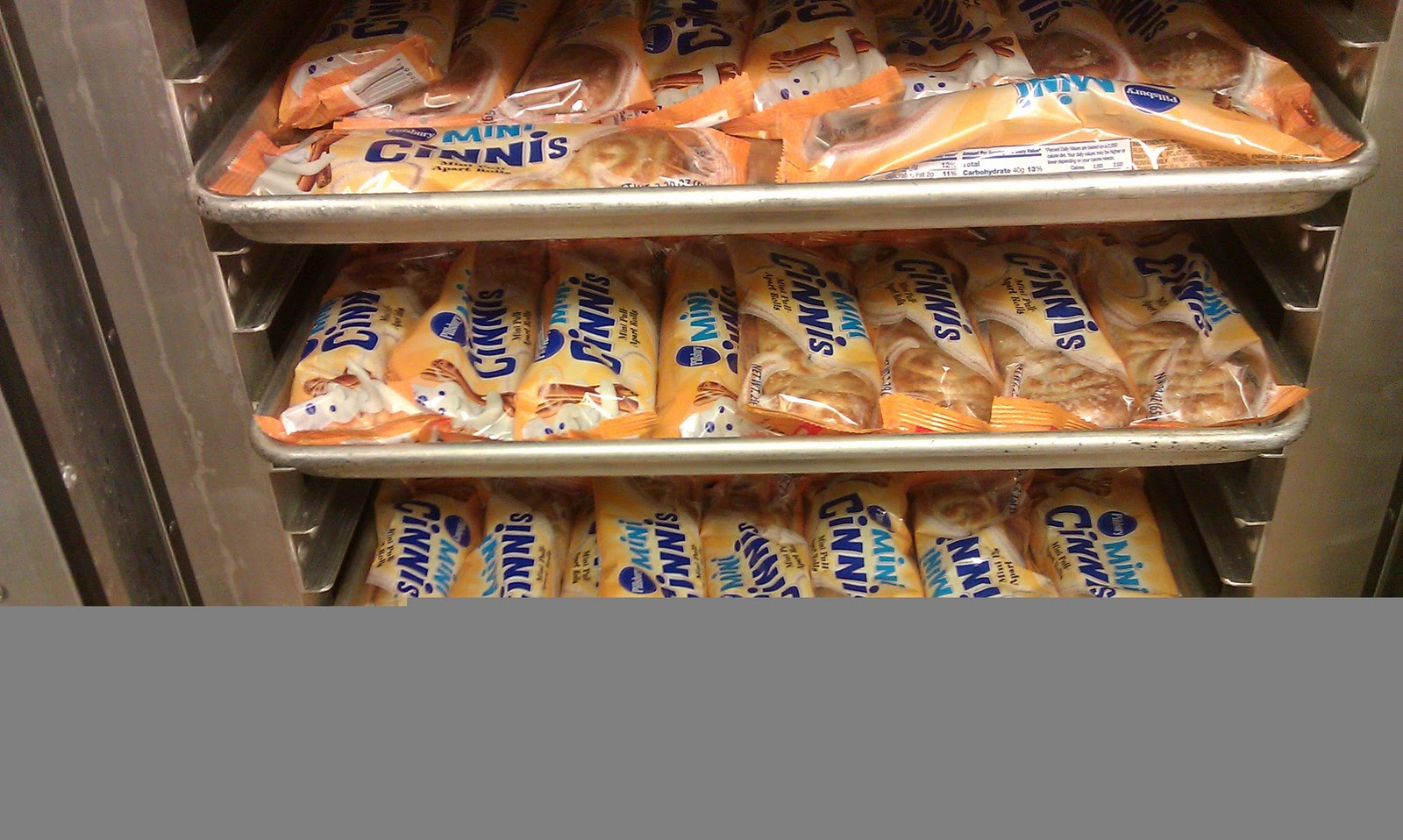
| Heat and Eat Mini-Cinnis |
So, what next?
Given the need for portability and food safety, menu items included a variety of pastries, fruits, cereals, and breakfast bars. Each met or exceeded the dietary requirements and were actually well-liked by kids. However, as our food service director continued to explore new menu items to maintain interest and variety, he discovered several products that would be popular, but really needed to be eaten warm, not for food safety purposes, rather to improve quality. Most people don't prefer cold pancakes over warm ones. How could we provide a warm breakfast without increasing food or labor cost?
 |
| Insulated Food Transport Bags |
With the purchase of insulated food transport bags, under $15 each, we discovered that warmed breakfast items could be delivered to the classroom using the normal schedule and still be served warm to even the latest-arriving students. Again, these items are not temperature sensitive for safety, rather satisfaction.
 |
| Proofer/Warmer |
A little creativity and cooperation makes a big difference. Kitchen staff lay out the fruit strudel, mini-pancakes, cinnamon rolls, etc. on trays the day before, a sorting practice that would happen for other items anyway. The trays are placed in the warmer, but not yet heated. Each are prepackaged and do not require refrigeration. When the morning custodian unlocks the building, his one flip of a switch on the warmer makes it possible for the usual morning kitchen crew to arrive at their usual time and still be able to deliver a warm item to the classrooms. Thanks to the cooperation and support of amazing support staff and classroom teachers always looking to improve, students can start their day with a great-tasting breakfast and the energy they need to learn and grow.